Everything you need
to study better
From distracted to A+
in four steps
Set your ratio
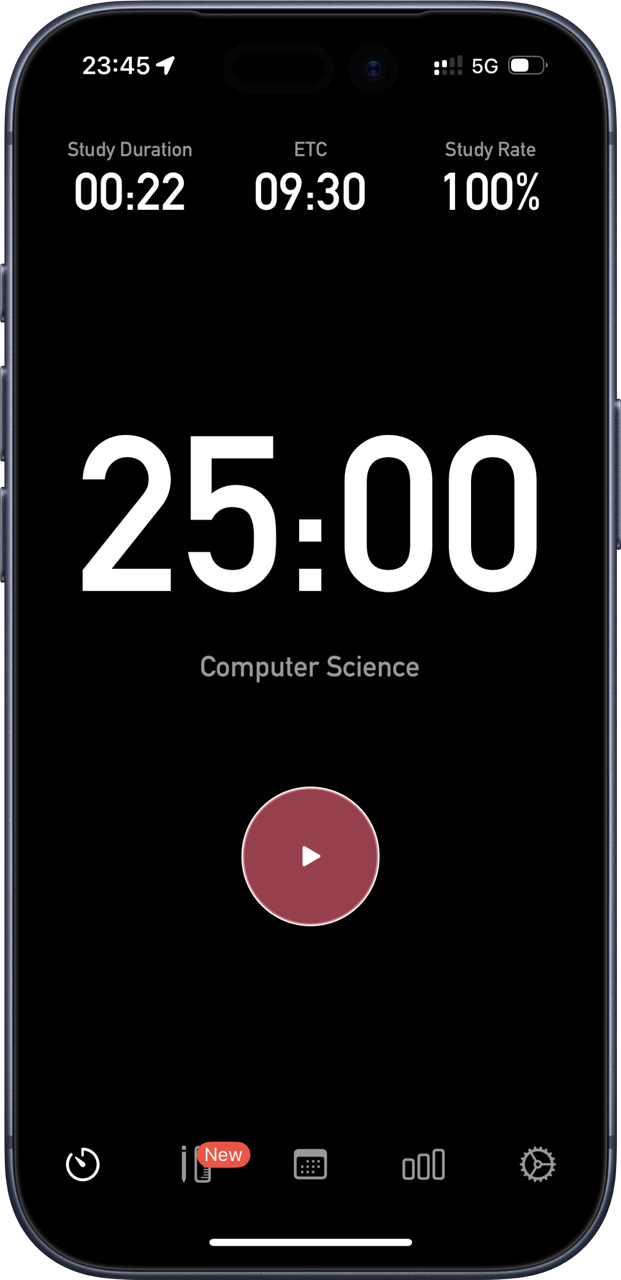
Choose how long to study and how long to rest. Classic Pomodoro is 25 minutes on, 5 off — or set your own.
Start the timer
Hit start and set your phone face-down. Studybreak tracks every second in the background, even if you switch apps.
Stay accountable
Pick up your phone and you'll hear about it. Or check your Apple Watch — your timer is there without touching your iPhone.
Review your grade
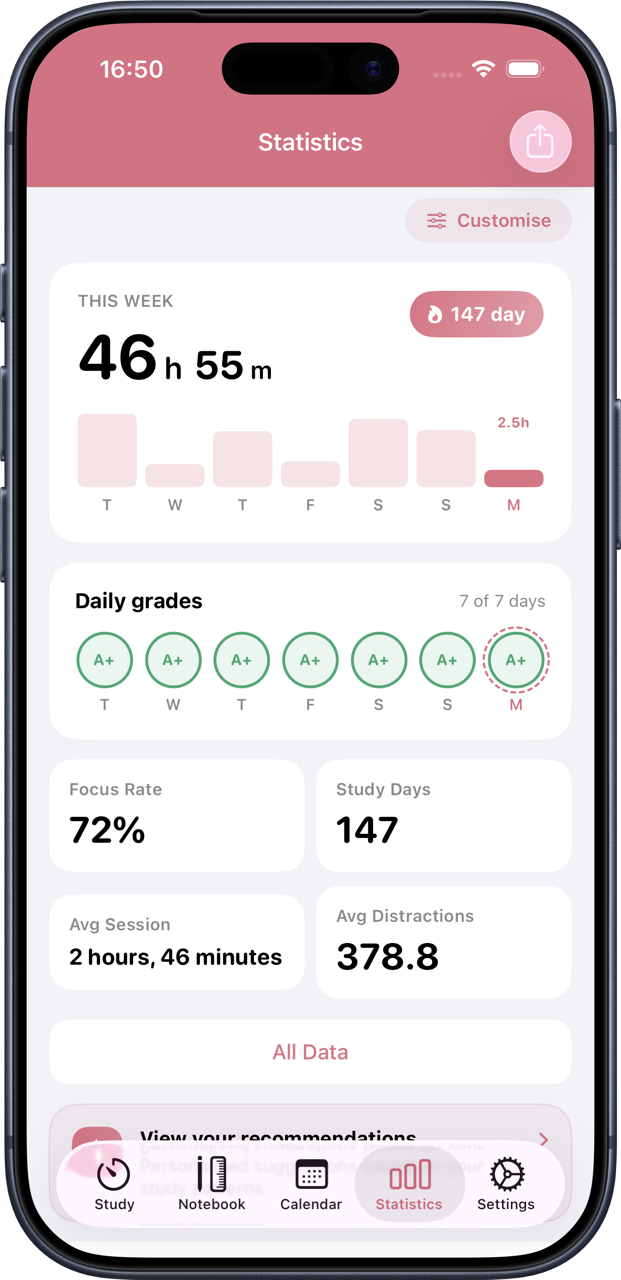
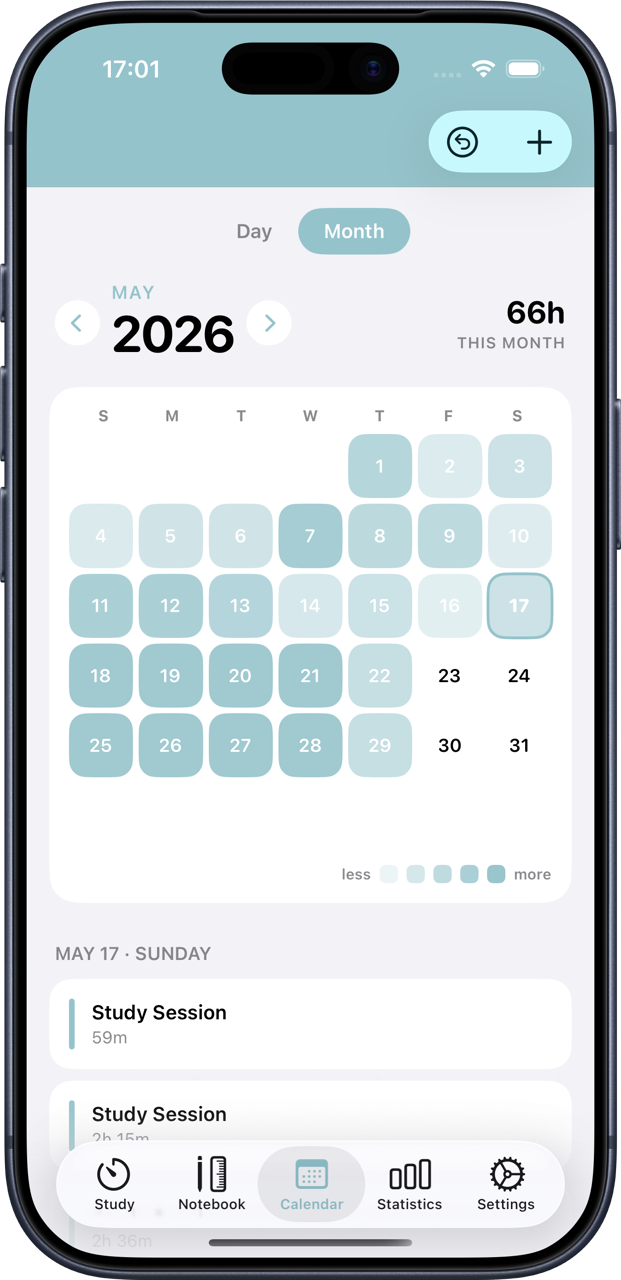
Each session ends with your efficiency score, hours logged, and streak. Hit your daily goal and earn an A+.
What students say
"Amazing for tracking study hours. It gives you a grade based on whether you hit your goal, detects distractions, and tracks your daily habits. Very easy to use."
"Been using it for a month and a half preparing for CPA exams. It genuinely changed how I study. I stay off my phone and I can see my progress clearly."
"The Lock Screen Live Activity and home screen widgets are brilliant. I can glance at my timer without unlocking my phone — exactly what deep focus needs."
A time management method where you work in focused intervals — typically 25 minutes — then take a short break. Studybreak automates the full cycle so you stay in flow without watching the clock.
Yes. Studybreak is free to download on iPhone, iPad, and Mac. Premium features — reminders, manual time editing, extended statistics — are available through an optional in-app subscription on monthly, quarterly, and annual terms.
It does. The dedicated Apple Watch app lets you monitor your timer and switch between study and break from your wrist, so your iPhone can stay face-down throughout a session.
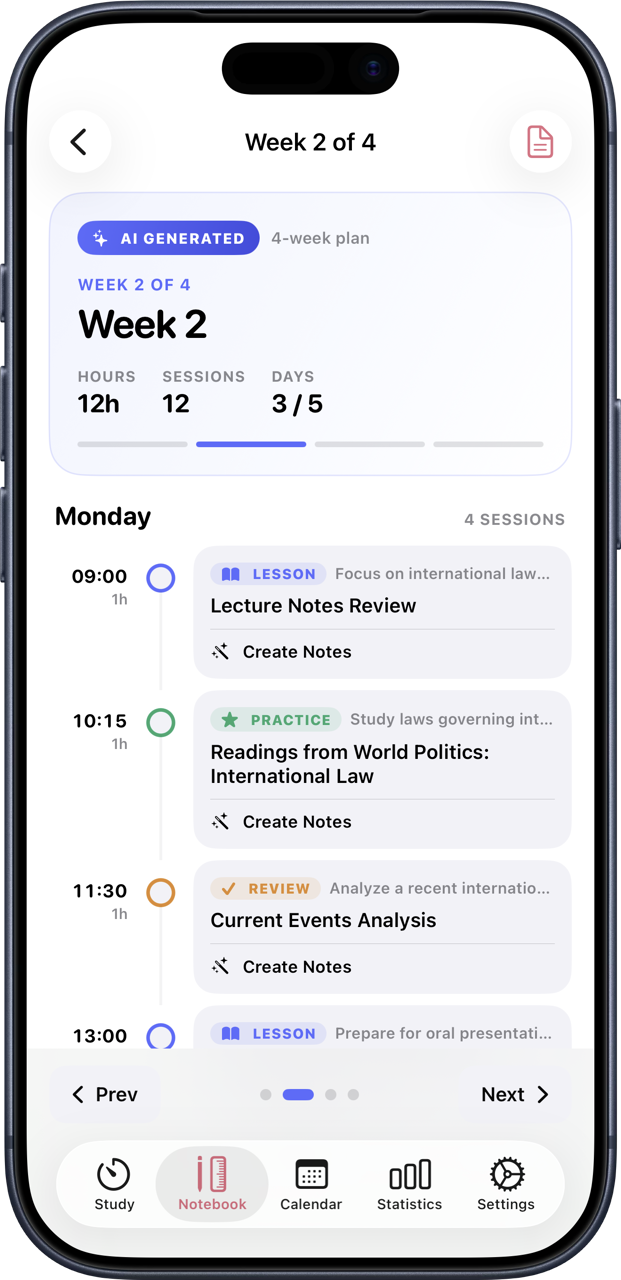
Upload your course syllabus — in any supported language — and the app generates a personalised week-by-week schedule with lessons, practice tasks, and revision built around your exam dates.
Yes. Upload any PDF — textbook, lecture slides, past papers — and Studybreak generates a professional audio summary you can listen to on your commute or while exercising.
iPhone (iOS 17+), iPad (iPadOS 17+), Mac (macOS 14+), and Apple Watch (watchOS 9+). Supports Dynamic Island on iPhone Pro and Lock Screen Live Activity on all iOS 16+ devices.